Understanding Tags
Overview
The Enterprise Portal within the Administration module allows Users to create Tags that can be assigned to SIM Cards, Devices, and Rules.
Tags are visual clues, which offer an additional way to organize and locate your Objects. Tags are User-created and can be assigned to one or more Objects and Objects may have one or multiple Tags.

Search for a Tag
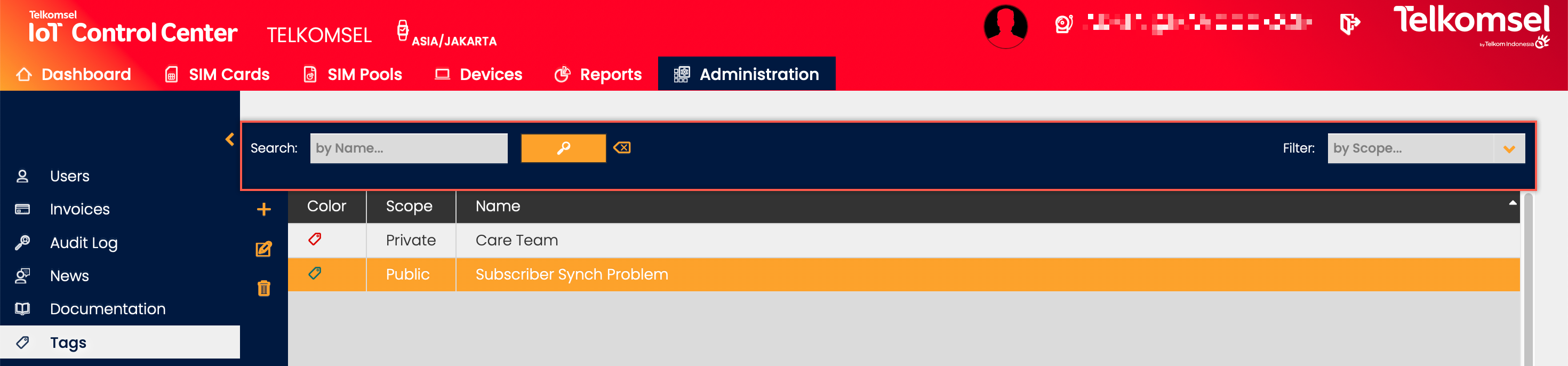
The search option of the Tag module allows Users to retrieve a list of Tags by entering text into the Search field.
Search results may be filtered with the criteria given in the Search bar.
Filters:
- Scope
The inserted search and filter criteria can be removed by clicking on the Clear search  icon.
icon.
Create a Tag
To create a Tag:
- Click on the Add
 icon.
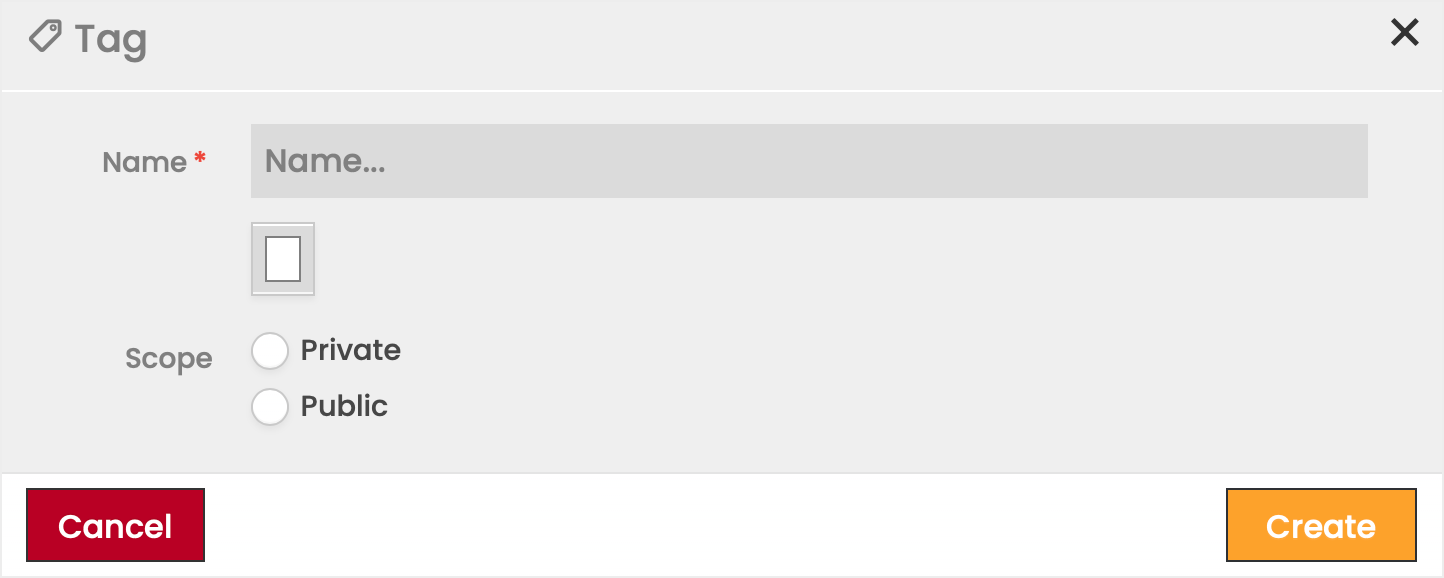
icon. - Specify the Tag's name.
- Select a color for the Tag.
- Select whether the Tag should be Private or Public
Private Tags are only visible to the User who created the Tag.
Public Tags can be seen by all Users of the Account. - Click Save to create the Tag.
Edit or Delete Tags
Any Tag can be edited or deleted at any time.
- Click the Edit
 icon to modify the settings seen in the Tag creation.
 - Click the Delete
 icon to delete a Tag.
Assign Tags
Tags created in the Administration module can be added to one or multiple SIM Cards, Devices, or Rules.
The processes described in this section may be carried out in the SIM Cards, Devices, SIM Rules, and Pool Rules modules as well.
Note:
Adding a Tag to a Device does not add the Tag to the SIM Card associated with the Device.
To add a Tag to one or multiple Objects:
- Select the Object(s) from the Objects Grid to which the Tag will be added.
- Click on the Add icon in the Tags section.
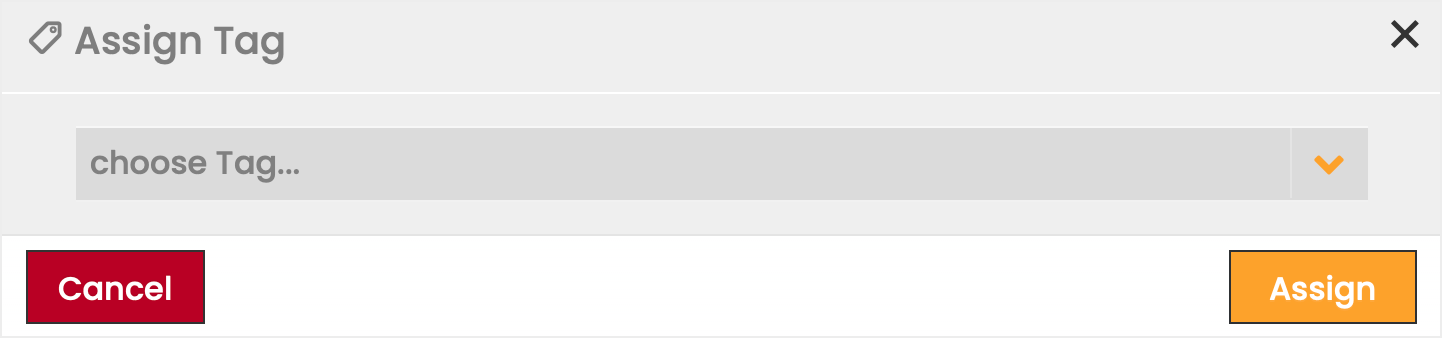
- Select the Tag to be added from the available options in the dropdown list.
Note: Only Tags available to the User are visible. - Click Save to apply your selection.
All Tags added to an Object appear in the Extended Details menu, see an example from the SIM Grid below.
Remove a Tag from One or More Objects
Note:
Removing a Tag from a Device does not remove the Tag from the SIM Cards associated with the Device.
The processes described in this section may be carried out in the SIM Cards, Devices, SIM Rules, and Pool Rules modules as well.
To remove a Tag from one or multiple Objects:
- Select the Object(s) from which the Tag will be removed.
- Select the Tag to be removed from the Tags tab.
- Click the Delete icon.
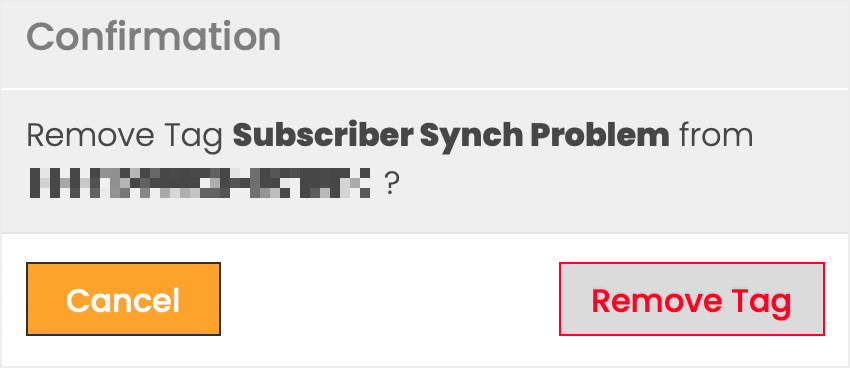
- Confirm the deletion.
Tags Extended Details
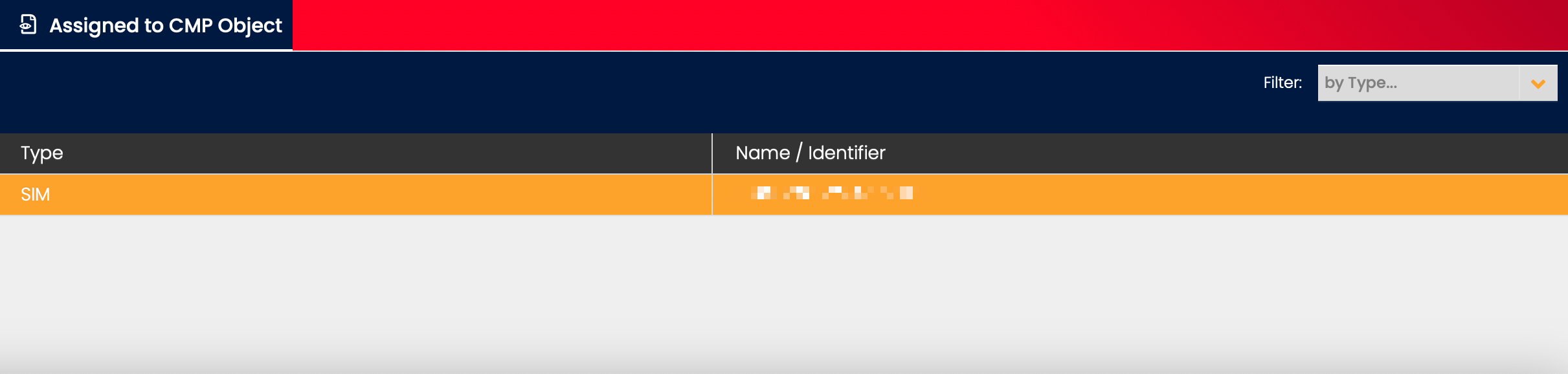
Assigned to CMP Object
The Assigned to CMP Object displays the type and name of all CMP Objects (e.g. SIM Cards, Devices, and Rules) to which the selected Tag is assigned.